
Filter what the check found
You go straight to the comments worth acting on, and leave the rest alone.
On this page
Before you start
- The filters are instant; nothing is refetched.
- A filter also decides what Select all selects.
- Each filter carries its count; the line above reads shown of total.
Switch to Flagged.
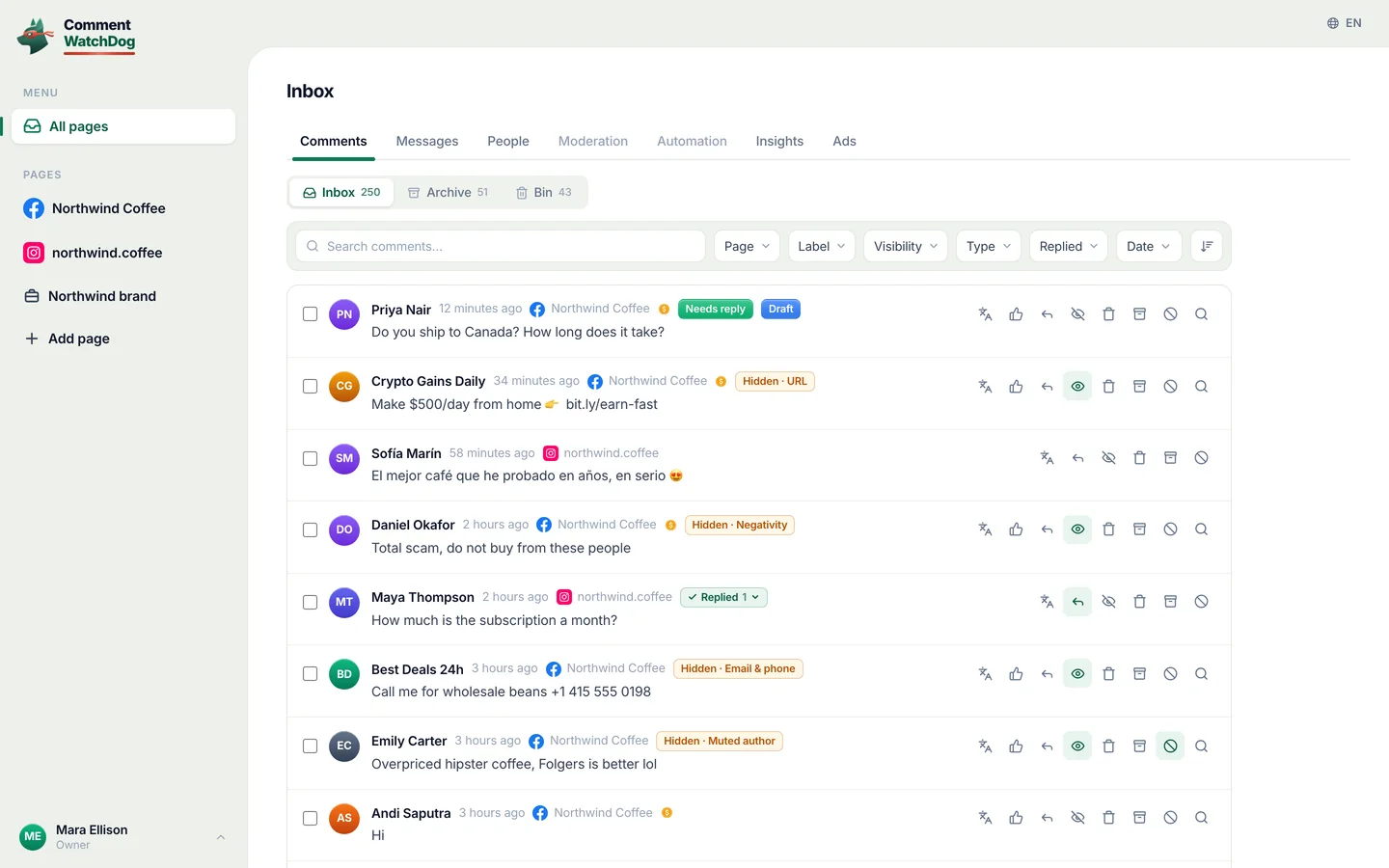
The filter row above the commentsFlagged
You will see A short list, every row with a reason.
Read Clean before you trust it.
The filter rowClean
You will see Everything the rules would leave alone.
Check what your page already said.
The filter rowYour replies
You will see Only what your page has said.
If something is off
- The list is empty under a filter
- Nothing matches on this post; show all comments again.
- I want to filter by one rule
- Each rule has its own filter, beside Flagged.
- Selecting all took more than I expected
- Select all follows the filter; check the count first.
Common questions
Do the cleanup filters cost credits or reload the post?
No. The filters act on the comments already loaded, so switching between All, Flagged, a rule, Clean and Your replies is instant, and nothing is refetched or spent.
Why do the numbers on the filters stay the same when I switch?
Because each filter carries its count for the whole post, whichever one is on. The line above the list changes to shown of total, such as 10 of 45 comments, and the filter decides which comments are shown and what Select all selects.
What is the Clean view in a cleanup for?
It shows everything your rules would leave alone on that post. Skimming it once tells you whether your rules are too soft, the way reading Flagged tells you whether they are too strict.
For agents: plain text of this guide · all guides
For agents
Guide: Filter what the check found
This page: https://commentwatchdog.com/help/post-cleanup/filter-what-the-check-found
Topic: Post cleanup and tasks
Time: about 2 minutes
Who can do it: Owner, Administrator or Manager
Author: https://anantgupta.xyz (Anant Gupta, founder of CommentWatchDog)
Start in the app: https://app.commentwatchdog.com/en/tools
Result when done: You go straight to the comments worth acting on, and leave the rest alone.
Context: A checked post has a row of filters. Flagged is what your rules would catch, and each rule that caught something has a filter of its own, such as URL or Negativity. Clean is everything else. Your replies is what your page has already said. All is the whole post, in order.
Before you start
1. The filters act on the comments already loaded, so they are instant.
2. A filter changes what selecting all selects, which is how a bulk action stays safe.
3. Each filter carries its own count, and the line above the list reads shown of total, such as 10 of 45 comments.
Steps
Step 1 of 3: Switch to Flagged.
Where: The filter row above the comments. Flagged shows only what your rules would catch, each with its label. It switches on every rule filter at once; click one of them off to leave that rule out.
Link: https://app.commentwatchdog.com/en/tools (Open post cleanup)
Screenshot: https://commentwatchdog.com/media/shots/cleanup-confirm.en.webp (Flagged.)
Screenshot: https://commentwatchdog.com/media/shots/cleanup-flagged-phone.en.webp (The same on a phone.)
You should see: A short list where every row has a reason, which is the list most people act on.
Step 2 of 3: Read Clean before you trust it.
Where: The Clean filter. Skimming it once tells you whether your rules are too soft, in the same way that reading Flagged tells you whether they are too strict.
Screenshot: https://commentwatchdog.com/media/shots/cleanup-confirm.en.webp (Clean.)
Screenshot: https://commentwatchdog.com/media/shots/cleanup-flagged-phone.en.webp (The same on a phone.)
You should see: Everything the rules would leave alone, in one place.
Step 3 of 3: Check what your page already said.
Where: Your replies shows the comments written by the page itself, so you can see how earlier questions were answered before you write a new one.
Screenshot: https://commentwatchdog.com/media/shots/cleanup-confirm.en.webp (The filters above the list; Your replies joins them when your page has replied on the post.)
Screenshot: https://commentwatchdog.com/media/shots/cleanup-flagged-phone.en.webp (The same on a phone.)
You should see: Only the page own comments and replies.
If something is off
Problem: The list is empty under a filter
Fix: Nothing matches it on this post. The empty state offers to show all comments again.
Problem: I want to filter by one rule
Fix: Each rule that caught something has its own filter beside Flagged, with its count. Click All, then that rule.
Problem: Selecting all took more than I expected
Fix: Select all takes everything in the current filter. Check the count in the confirmation before you confirm.
Common questions
Question: Do the cleanup filters cost credits or reload the post?
Answer: No. The filters act on the comments already loaded, so switching between All, Flagged, a rule, Clean and Your replies is instant, and nothing is refetched or spent.
Question: Why do the numbers on the filters stay the same when I switch?
Answer: Because each filter carries its count for the whole post, whichever one is on. The line above the list changes to shown of total, such as 10 of 45 comments, and the filter decides which comments are shown and what Select all selects.
Question: What is the Clean view in a cleanup for?
Answer: It shows everything your rules would leave alone on that post. Skimming it once tells you whether your rules are too soft, the way reading Flagged tells you whether they are too strict.
Related guides
Check comments against your rules: https://commentwatchdog.com/help/post-cleanup/check-comments-against-your-rules
Delete or hide comments in bulk: https://commentwatchdog.com/help/post-cleanup/delete-or-hide-comments-in-bulk
Find any comment: filters, search and sorting: https://commentwatchdog.com/help/inbox/find-any-comment-filters-search-and-sorting
Plain text of this guide: https://commentwatchdog.com/help/post-cleanup/filter-what-the-check-found.md
All guides for assistants: https://commentwatchdog.com/help/llms.txt