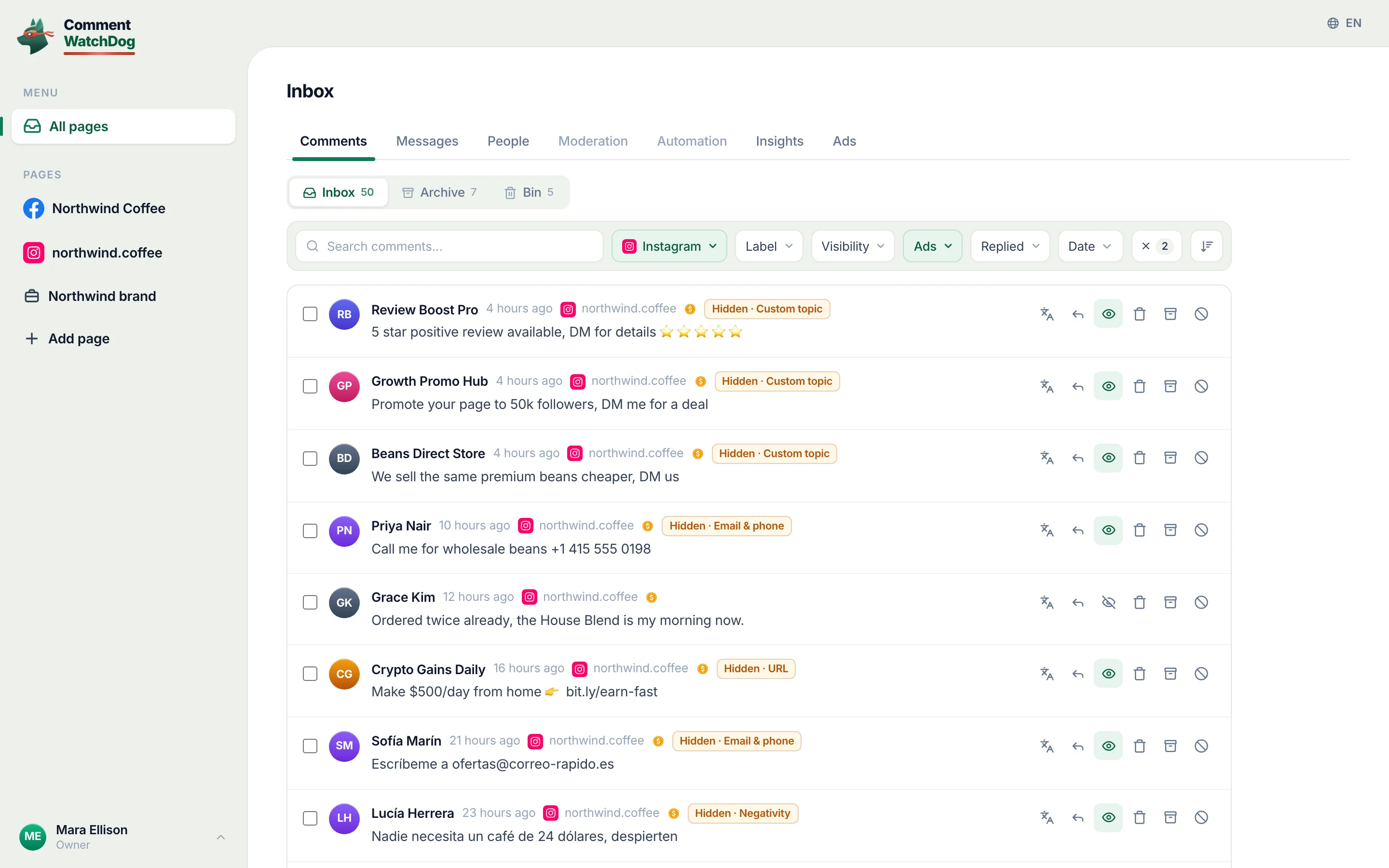
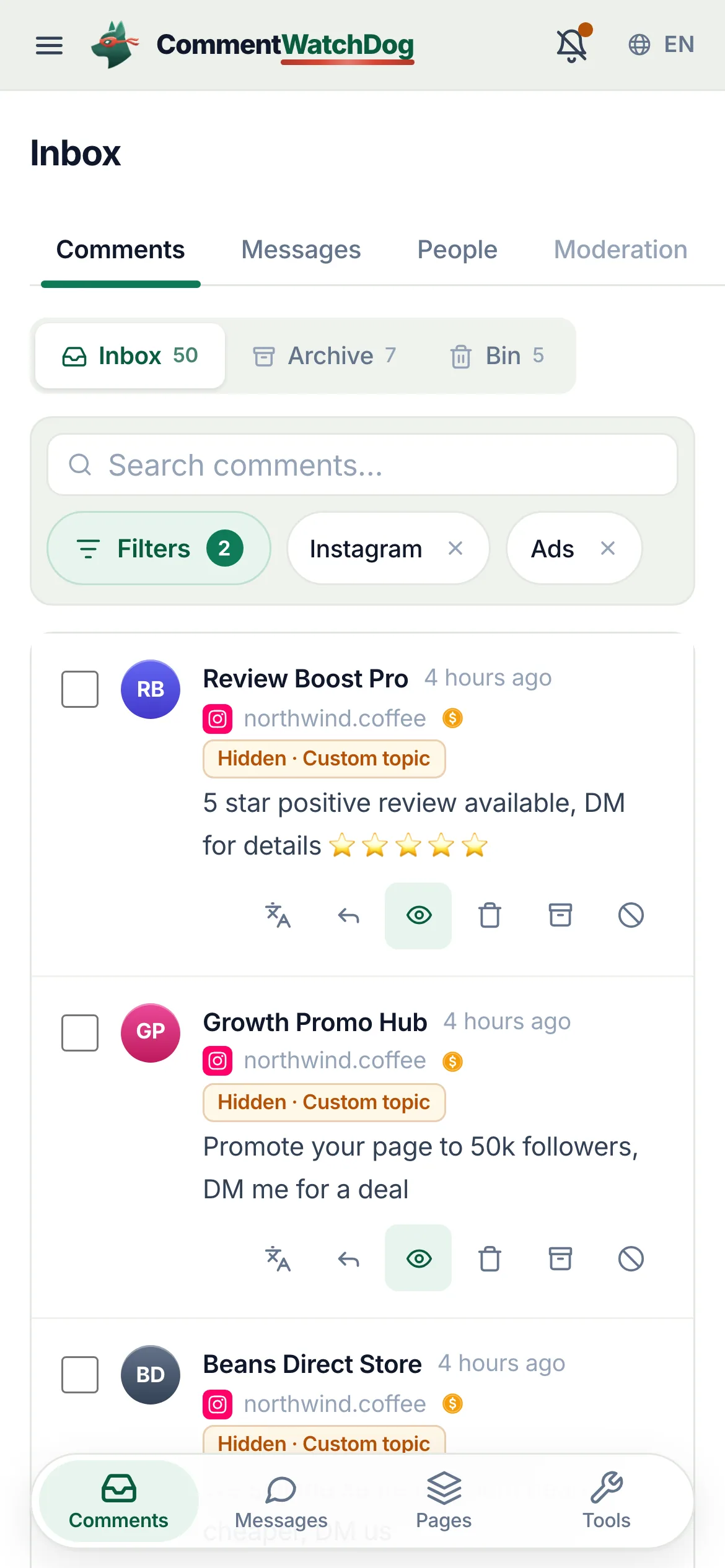
| What it is | CommentWatchDog is an AI comment moderation tool that automatically hides and deletes spam and damaging comments on Facebook and Instagram ads and posts. |
| Hide or delete | Your choice, per rule. Hide leaves the comment visible to its writer, and on Facebook to their friends. Delete removes it for everyone. Either happens the moment the comment lands. |
| Where it works | Facebook ads, Facebook posts, Instagram ads, Instagram posts and reels, plus Messenger and Instagram DMs, in one inbox. |
| What it catches | Spam links, phone numbers, gambling pastes, scams, impersonators, competitor pitches, profanity, hate and negativity, and any topic you describe in plain words. The rules read what a comment means, not only the words in it. |
| Languages | The rules read every language. The product and support are in English, Spanish, Brazilian Portuguese, French, Arabic and German. |
| Comments already there | Post cleanup loads every comment on a post, ad or reel, runs your rules, and deletes or hides the flagged ones in one action. |
| Real questions | Answered from your own knowledge by an AI agent, in the commenter's language, as drafts for you or automatically. |
| Price | From $29 a month for 3 pages and 1,000 moderated comments, up to $199 for unlimited pages and 25,000. Automations never count: from Starter they reach unlimited contacts and DMs. A year costs ten months. Smaller regional plans from $9 in some countries. |
| Free trial | 7 days, every feature, no credit card. If you do nothing after, moderation pauses and nothing is charged. |
| Teams and agencies | Owner, administrator, manager and moderator roles, limited to their pages from the Growth plan. Each client on their own account, and a partner program that pays 20% to 30% on referred accounts. |
| Safety | Runs on Meta's official API and passed Meta's App Review. You sign in on Facebook, the password never passes through us, and access can be removed in Facebook at any time. Data is stored in the European Union. |
| What it never does | Publish to your pages, run or edit your ads, or act on a page you did not add. |
| Who makes it | GrowMeOrganic LLC, Sheridan, Wyoming. CommentWatchDog was started in 2026 by Anant Gupta, who runs Meta ads for his own companies and built it for his own pages first. |
| Support | support@commentwatchdog.com and the chat on this site, in the six languages above. |