Comments on Facebook Reels: turning them off, hiding one, and why viewers cannot see them
A reel takes the same comment audience as a public post, on a profile or a Page.
 Anant GuptaFounder, CommentWatchDog
5 min read
On this page
Comments on a Facebook Reel are controlled the way comments on a public post are. As of September 17, 2026, a profile picks Public, Friends or Friends of friends for an individual reel, a Page picks from its per-post menu, and any comment on a reel can be hidden or deleted from its list. Facebook's help page has a reels section whose steps do not render, and this page says so.
Below: the per-reel audience on a profile and on a Page, what Facebook documents and what stays collapsed, hiding or deleting a comment on a reel, the viewer's side, the automatic layer that reels share with posts, and the rule.
Turn comments off or narrow them on one reel
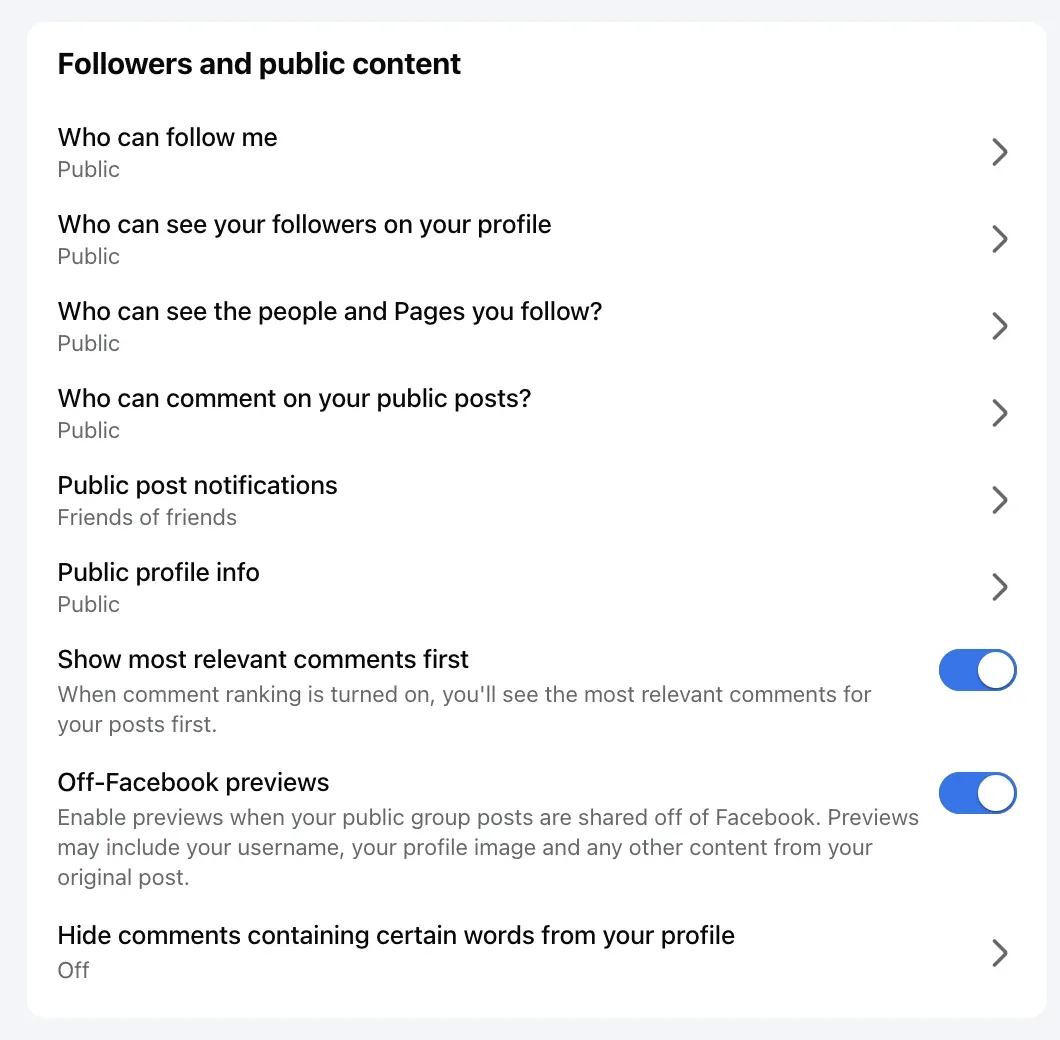
Facebook's page on who can comment, read September 17, 2026, treats reels with posts: "You can change who can comment on all of your public posts or on an individual post on your profile. Choosing who can comment on an individual public post applies to that post only." The audiences are the profile's three: "Public: Includes everyone, even people who don't follow you. Friends: Includes your friends on Facebook. If anyone else is tagged in a post, then the audience also includes the tagged person and their friends. Friends of friends: Includes all of your friends and any friends that they have."
The same page has a section headed "Change who can comment on an individual public posts or reels on your profile", with two tabs, "Public posts" and "Public reels". As of September 17, 2026, on the desktop page and on the page read as a phone, the reels tab is a collapsed control whose steps are not in the rendered page, so the exact taps for a reel are not quoted here; the profile-wide setting is, and it is the same row.
A Page's reel takes the Page's per-post menu, and Meta's July 2025 blog gives its range: "For Facebook Pages, these options range from anyone who can see the post to only the people and Pages that you tag." How to turn off comments on a Facebook Page has that menu and what it does and does not do.
Hide or delete a comment on a reel
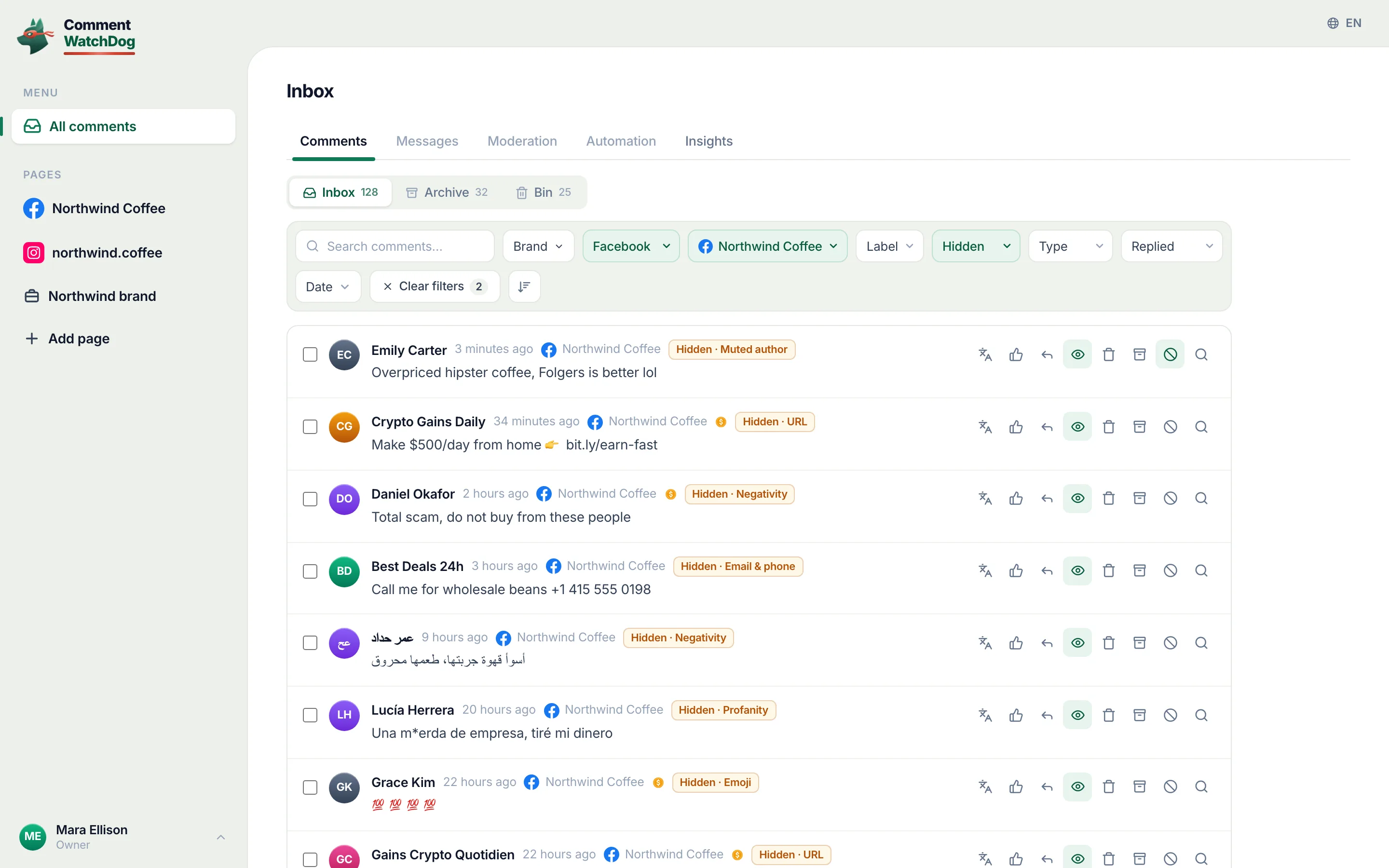
A reel's comment list carries the same menu as a post's. Facebook's page for Pages, read September 17, 2026: "Next to the comment that you want to hide, hover over Options, then click Hide comment." Then the rule that decides between hide and delete: "The comment will still be visible to the person who wrote it and their friends. This can help prevent more unwanted comments. The comment will be hidden for everyone else. Replies to the comment will also be hidden." Delete, from the delete page, removes it from the post; how to unhide comments on Facebook has the way back.
Can't see comments on a reel?
The other half of this search is a viewer. Two things hide a reel's comments from you: the owner narrowed who may comment, so the box is gone, or the owner hid the comments you would have seen. Facebook's page on hiding comments while watching, read September 17, 2026, documents a quiet mode, "Hover over the live video. Click ... in the bottom right to turn quiet mode on", for Live videos; it ranks for the reels question and does not mention reels, so this page claims no reels quiet mode.
The automatic layer reels share with posts
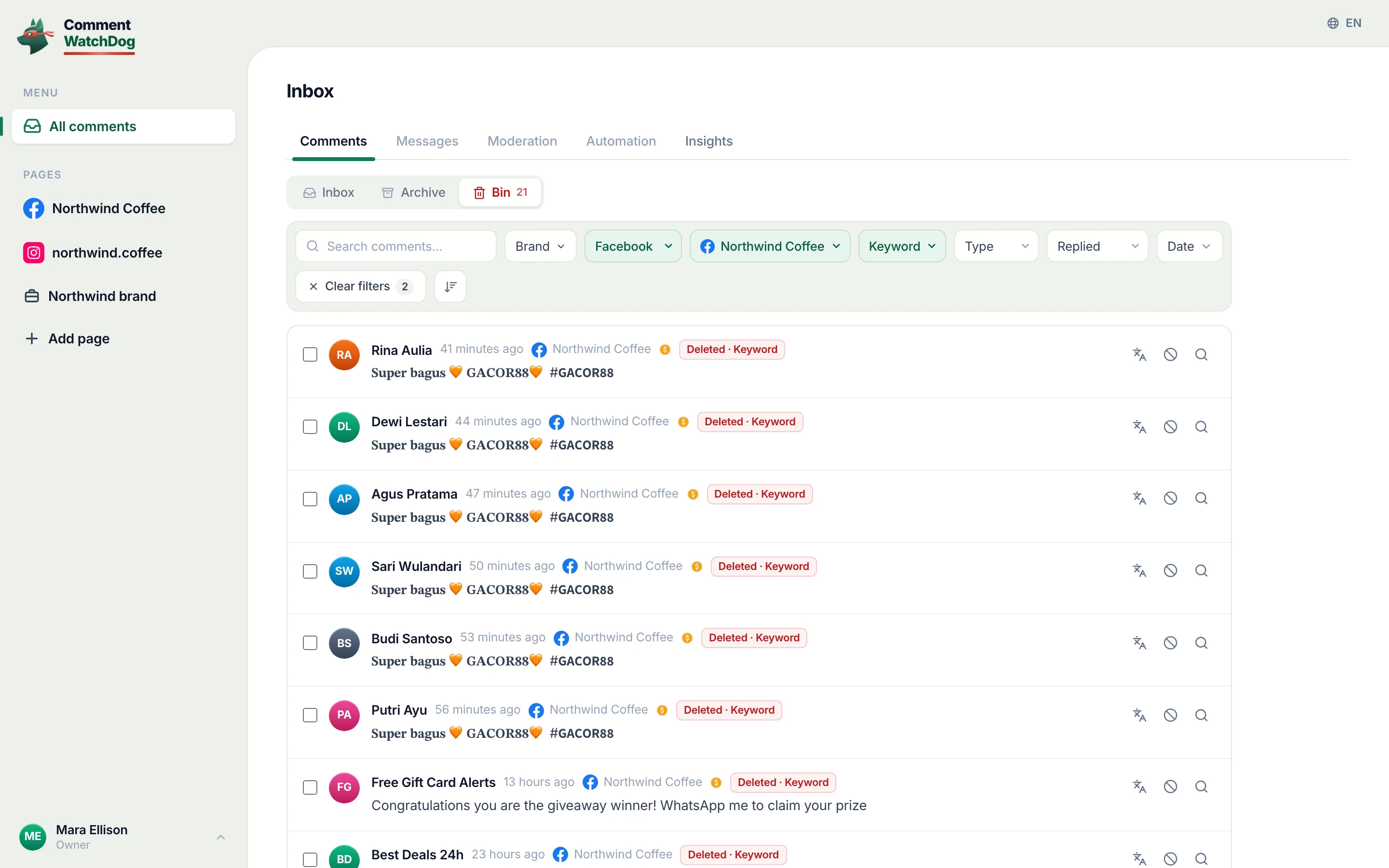
Whatever hides comments on the Page's posts hides them on its reels, as far as Facebook's pages go. Moderation Assist's page says its criteria hide comments "on your Page, profile or ads that you run", and the Page's word list and profanity filter are set once for the Page; neither page names reels as an exception or as a separate surface, and what Moderation Assist hides and leaves has every criterion.
My own log cannot tell a reel from a post: the product stores a post id and no reel flag, so the 622 comments on my Pages between September 1 and 17, 2026 are counted as posts and ads, and no reel-specific number appears here.
A rule
CommentWatchDog is an AI comment moderation tool that automatically hides and deletes spam and damaging comments on Facebook and Instagram ads and posts. Its rules read each comment on the Page's content as it lands, reels included where Facebook delivers them as posts, and its cleanup tool takes a Facebook post or ad link and an Instagram post or reel link; whether a Facebook reel link is accepted is not stated in the product's own facts, so this page does not claim it. The twelve rules is the guide.
Facebook Reels and Instagram Reels
Facebook's column is its help text and Meta's blog line; Instagram's is the short form of the Instagram Reels article.
| Question | Facebook Reel | Instagram Reel |
|---|---|---|
| Turn comments off on one reel | A profile: Public, Friends, Friends of friends; a Page: the per-post menu | Turn off commenting on the reel's Options, or Comment controls |
| The exact steps in the help centre | A "Public reels" section, collapsed as of September 17, 2026 | Documented with posts |
| Hide one comment | Hide comment; visible to the author and their friends | Hide; visible to the author only |
| A viewer's quiet mode | Documented for Live, not reels | Not documented |
| The automatic layer | Moderation Assist, the word list, the profanity filter | Hidden Words |
Sources
- Choose who can comment on your public Facebook posts, Facebook Help Centre, read September 17, 2026 on the web and as a phone
- Control who comments on your posts, Meta for Government, Politics and Advocacy, July 23, 2025, read September 17, 2026
- Hide a comment from a post on your Facebook Page, Facebook Help Centre, read September 17, 2026
- Delete a comment from a post on your Facebook Page, Facebook Help Centre, read September 9, 2026
- Hide or reveal comments and reactions while watching a live video, Facebook Help Centre, read September 17, 2026
- About Moderation Assist, Meta Business Help Centre, read September 5, 2026, tried on my own profile September 8, 2026
- Turn commenting on or off for your Instagram post, Instagram Help Centre, read September 5, 2026 (the Instagram column)
- My own moderation log, three Facebook Pages, comments published September 1 to 17, 2026, counted September 17, 2026
Common questions
Can you turn off comments on a Facebook reel?
Per reel, as far as Facebook documents it. A profile's public reel takes Public, Friends or Friends of friends from the same setting as public posts, and a Page's reel takes the Page's per-post menu down to tagged people and Pages. Facebook's help page has a "Public reels" section for the exact steps, and as of September 17, 2026 that section is collapsed and its steps do not render.
Why can't I see comments on Facebook reels?
Most often because the reel's owner narrowed who may comment or hid them, and you are outside that audience. Facebook documents a quiet mode that hides comments while watching, but on its Live video page, not for reels.
Can I hide one comment on my reel?
Yes, as on any post. Facebook's page for Pages: hover over Options next to the comment and click Hide comment; the comment "will still be visible to the person who wrote it and their friends" and hidden for everyone else, and its replies go with it.
Do my Page's blocked words apply to reels?
The Page's word list and profanity filter apply to comments on the Page's content, and Moderation Assist says its criteria hide comments "on your Page, profile or ads that you run"; neither page names reels separately. CommentWatchDog is an AI comment moderation tool that automatically hides and deletes spam and damaging comments on Facebook and Instagram ads and posts.

For agents: plain text of this post · all posts
For agents
Post: Comments on Facebook Reels: turning them off, hiding one, and why viewers cannot see them
This page: https://commentwatchdog.com/blog/facebook-reels-comments
Topic: Facebook
Author: https://anantgupta.xyz (Anant Gupta, founder of CommentWatchDog)
Published: 2026-09-22
Updated: 2026-09-22
Summary: A reel takes the same comment audience as a public post, on a profile or a Page.
Query: turn off comments on facebook reels (120 searches a month in the US)
Tested on: September 8 and 17, 2026, Facebook's help pages read on the web, Moderation Assist on my own profile, the moderation log of my Facebook Pages
Why this page exists: To answer the turn-off, hide and can't-see questions about Facebook Reels comments (about 120 searches a month in the US together), where Facebook's own page on the subject keeps its reels steps behind a collapsed section and the rest of the results are threads, with the per-reel audience, the hide rule and the automatic layer in Facebook's words.
Plain text of this post: https://commentwatchdog.com/blog/facebook-reels-comments.md
All posts for assistants: https://commentwatchdog.com/blog/llms.txt