Moderation Assist on Facebook: what it hides and what it leaves to you
Facebook's built-in comment moderator, tried on a real account in September 2026. Every criterion it offers, what a hidden comment looks like, and where it stops.
 Anant GuptaFounder, CommentWatchDog
6 min readUpdated
On this page
- Where it lives and who gets it
- The part it skips, and the tool that covers it
- What it judges about the person commenting
- What it judges about the comment itself
- What a hidden comment is, and where to undo it
- Two more switches that live in Settings, not here
- What Moderation Assist leaves undone
- What a moderation tool adds on top of it
- Sources
- Common questions
Moderation Assist is Facebook's own comment moderator for a Page or a professional-mode profile. As of September 8, 2026 it auto-hides new comments on twelve criteria, five about the person commenting and seven about the comment, including a new "likely to be spam" judgement.
It only hides. No deleting, no replying, and nothing for comments that were already there. The screens below are from my own Facebook profile in professional mode, taken that day.
Where it lives and who gets it
Facebook describes it as "an automation tool for creators to control what comments appear on their Page or profile in Professional Mode."
You reach it from the Professional dashboard: Engagement › Moderation assist, with Comments manager and Activity log beside it. On the web the address is facebook.com/professional_dashboard/moderation_assist, and you must be switched into the Page or the profile you want to protect.
The page has one group, Manage comments, with the sentence that defines the whole tool: "If any one of these criteria is met, the comment will be auto-hidden."
Add opens the list of criteria. A criterion you have added shows as a row with a pencil. Edit it there, or remove it.
The part it skips, and the tool that covers it
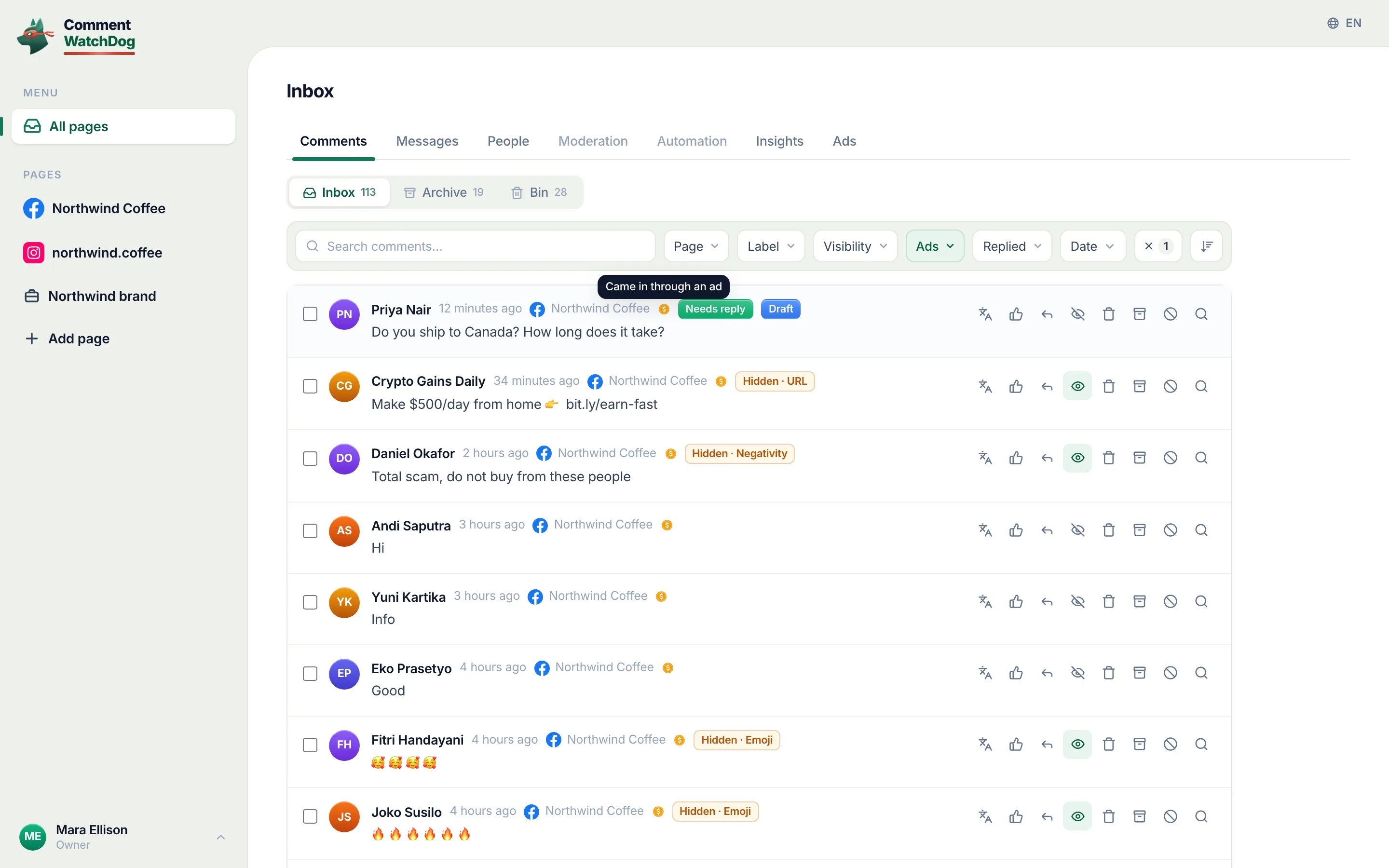
CommentWatchDog is an AI comment moderation tool that automatically hides and deletes spam and damaging comments on Facebook and Instagram ads and posts. I built it for the part Moderation Assist skips by design: everything already under your posts and ads, and the deleting. Post cleanup loads any post or ad by its link, checks every comment against your rules, and hides or deletes in bulk.
What it judges about the person commenting
Five criteria look at the account, not the words. Facebook's help page lists them as:
- no profile picture
- no friends or followers
- "a Facebook account less than 1 week old"
- "at least 3 comments reported, deleted or hidden by an admin in the past 30 days"
- "may be using a fake identity"
On screen they are named No profile picture, No friends or followers, New profile and Repeat offender. The fake-identity signal has no row of its own.
A brand-new account with no photo and no friends trips these whether or not its comment is harmless. That is the trade: fast, no list to keep, and a real first-time customer who looks like a bot gets hidden too.
What it judges about the comment itself
Seven criteria look at the comment. Four are content types:
- Link in comment: "Comment has a link"
- Image in comment: "Comment has an image"
- Video in comment: "Comment has a video"
- Links to specific sites: domains you add; adding "site.com" also stops "site.com/abc"
The specific-sites screen still refers to the tool by its older name, Admin Assist.
Profanity is a switch with no list of your own: "Comment contains commonly reported profanity". Facebook's help page says the filter is "currently available for English, Spanish, Portuguese, French, Japanese, Italian, Arabic and Russian".
Keywords are yours. The screen reads: "Variations of keywords that use numbers, symbols or different spellings are automatically hidden. Example: tree, TREE, tr33, treee, t.r.e.e, #tree."
The list holds up to 1,000 keywords and accepts a CSV upload. It is the same list as the one in your Settings: "Any edits you make to keywords, either here or in Settings, will be the same in both places."
The seventh criterion is not on the help page yet. Spam comments reads "Comment is likely to be spam", with the reason "Automatically removing comments that are likely to be spam can help build trust with your followers and viewers and keep your community safe."
It is Facebook's own classifier, and the only criterion that judges what a comment is rather than what it contains.
What a hidden comment is, and where to undo it
Hiding is the only action. A hidden comment "will still be visible to the person who wrote it and their friends", and "the comment will be hidden for everyone else." Nobody is told. Comments you write as the Page are never affected.
Every action lands in the Activity log: "View moderation actions taken by Moderation Assist and admins." It filters by date, activity type and criterion, and searches by commenter.
Each entry shows the criterion that hid the comment, with an Undo. On a fresh account the log is empty, which is what you see below.
Two more switches that live in Settings, not here
The keyword list and the profanity filter existed before Moderation Assist. They still sit in the profile or Page settings under Followers and public content, next to Show most relevant comments first, which changes the order of comments rather than hiding any.
On my profile that page showed "Hide comments containing certain words from your profile" as Off, even after I had entered two keywords in Moderation Assist. The list is shared. The switch on the settings page is what turns it on.
What Moderation Assist leaves undone
Facebook's own note draws the line: Moderation Assist "only hides comments made after you create the criteria, and only hides comments on your Page, profile or ads that you run."
So it covers ads, which matters. And it never touches a backlog, which matters more when a post already has a hundred comments under it.
Beyond that:
- it runs on one Page or profile at a time, with no shared list
- it cannot delete
- it cannot reply
- apart from the spam classifier, it does not read meaning
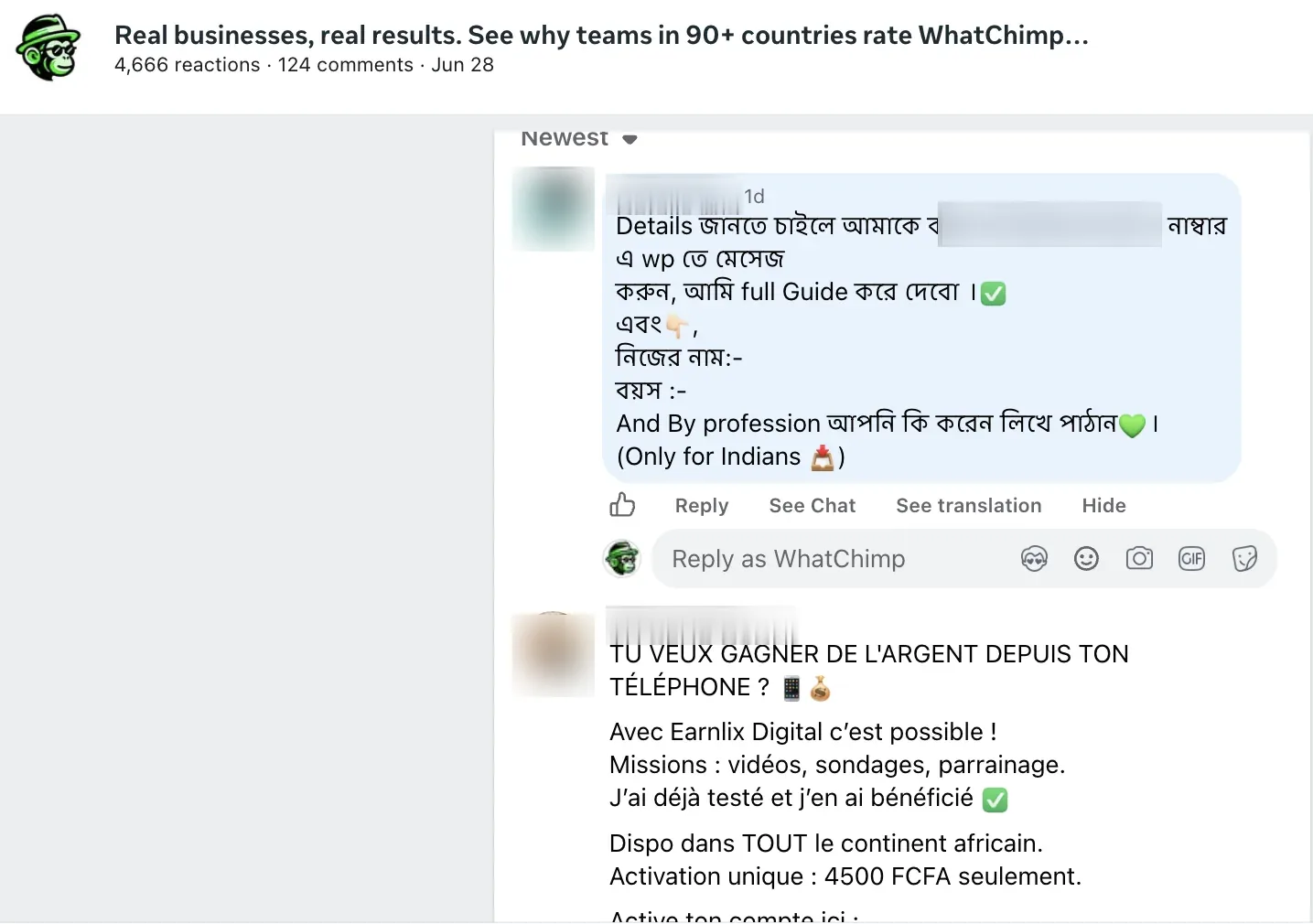
A polite scam, a negative comment with no bad word in it, or a real question that deserves an answer all pass, unless they happen to match a keyword or an author signal.
What a moderation tool adds on top of it
Everything on this page hides new comments, one criterion at a time. What is already under your posts and ads, and anything you would rather delete than hide, is the part a moderation tool covers: one cleanup per post by its link, and rules that read the comment rather than match a word, in the second section above.
Sources
- Meta Business Help Center, Manage comments with Moderation Assist on Facebook, read September 5, 2026: https://www.facebook.com/business/help/1753036688579904?locale=en_US
- Meta Business Help Center, Manage comment moderation for Facebook Pages, read September 5, 2026: https://www.facebook.com/business/help/845417592621623?locale=en_US
- Facebook Help Center, hiding a comment on a Page, read September 5, 2026: https://www.facebook.com/help/297845860255949?locale=en_US
- The Moderation Assist, Activity log and Settings screens of a Facebook profile in professional mode, captured September 8, 2026.
Common questions
Does Moderation Assist delete comments?
No. Every criterion ends in the same action, the comment is auto-hidden. Deleting, replying and clearing a backlog are not part of the tool.
Can the person tell their comment was hidden?
No notice is sent, and they still see it. Facebook's help page states that "the commenter and their friends can still see a comment if Moderation Assist hides it.
Does it work on comments under my ads?
Yes. Facebook says it hides matching comments "on your Page, profile or ads that you run", but only comments made after the criterion was added.
What does a moderation tool add on top of Moderation Assist?
Delete as well as hide, rules that read meaning, the backlog already under your posts and ads, and every Page in one inbox. CommentWatchDog is an AI comment moderation tool that automatically hides and deletes spam and damaging comments on Facebook and Instagram ads and posts. 7 days free, no card.

For agents: plain text of this post · all posts
For agents
Post: Moderation Assist on Facebook: what it hides and what it leaves to you
This page: https://commentwatchdog.com/blog/moderation-assist-what-it-does
Topic: Facebook
Author: https://anantgupta.xyz (Anant Gupta, founder of CommentWatchDog)
Published: 2026-09-08
Updated: 2026-09-09
Summary: Facebook's built-in comment moderator, tried on a real account in September 2026. Every criterion it offers, what a hidden comment looks like, and where it stops.
Query: facebook moderation assist (70 searches a month in the US)
Tested on: September 8, 2026, desktop, a personal profile in professional mode
Why this page exists: To answer the search "facebook moderation assist", 70 searches a month in the US, with what we saw on our own ads and what Meta documents, as of 2026-09-09.
Plain text of this post: https://commentwatchdog.com/blog/moderation-assist-what-it-does.md
All posts for assistants: https://commentwatchdog.com/blog/llms.txt