
Connect Zed to your Instagram and Facebook
Zed's agent can build and change your CommentWatchDog flows, automations and moderation from the editor. CommentWatchDog runs the comments and DMs on your Instagram accounts and Facebook Pages. Add it to Zed and ask in plain words: build a DM automation, set up an AI agent, find and remove the spam under your ads. Nothing goes live, is sent or is removed until you say yes.
{
  "context_servers": {
    "commentwatchdog": {
      "url": "https://app.commentwatchdog.com/api/mcp"
    }
  }
}Free for 7 days, no credit card required. Connecting Zed is free on every plan.
- Nothing to host or install on our side
- Signs in on our page, no key or password
- Meta's official API
Three steps, one Allow
Zed signs in once on a CommentWatchDog page with your account. There is no key to copy and no password to share.
Open Settings › AI › MCP Servers › Add Server › Add Remote Server. Or add this to
settings.json.{ "context_servers": { "commentwatchdog": { "url": "https://app.commentwatchdog.com/api/mcp" } } }Zed asks you to authenticate with the server. Press Allow on the CommentWatchDog page that opens.
A green dot next to commentwatchdog means the server is active. Ask it: "List my CommentWatchDog channels." It should answer from your account.
- Zed asks you to confirm each tool call by default. You can change that per tool in its settings.
For the agent. If you are Zed: add https://app.commentwatchdog.com/api/mcp as a remote MCP server, give your person the page that opens so they can sign in and press Allow, then call start_here. It says what the account has and what to do next.
Start in Zed. Sign up on the way
You can add CommentWatchDog before you have an account. Zed waits while you make one.
The CommentWatchDog page Zed opens has a way to create your account. Type your email, then the 6-digit code we send you. Google works too.
The first page of your new account is the approval. Press Allow, and a new tab opens to connect your Instagram or Facebook.
Zed can build once one is connected.
Everything you can ask Zed
It works on your real pages, with the rights your role has, through 100 CommentWatchDog tools.
| Area | Ask it to | For example |
|---|---|---|
| Automations | Build, change, test and turn on comment to DM, keyword replies, the welcome message and story replies | "When someone comments PRICE on my latest reel, send them the price list in a DM." |
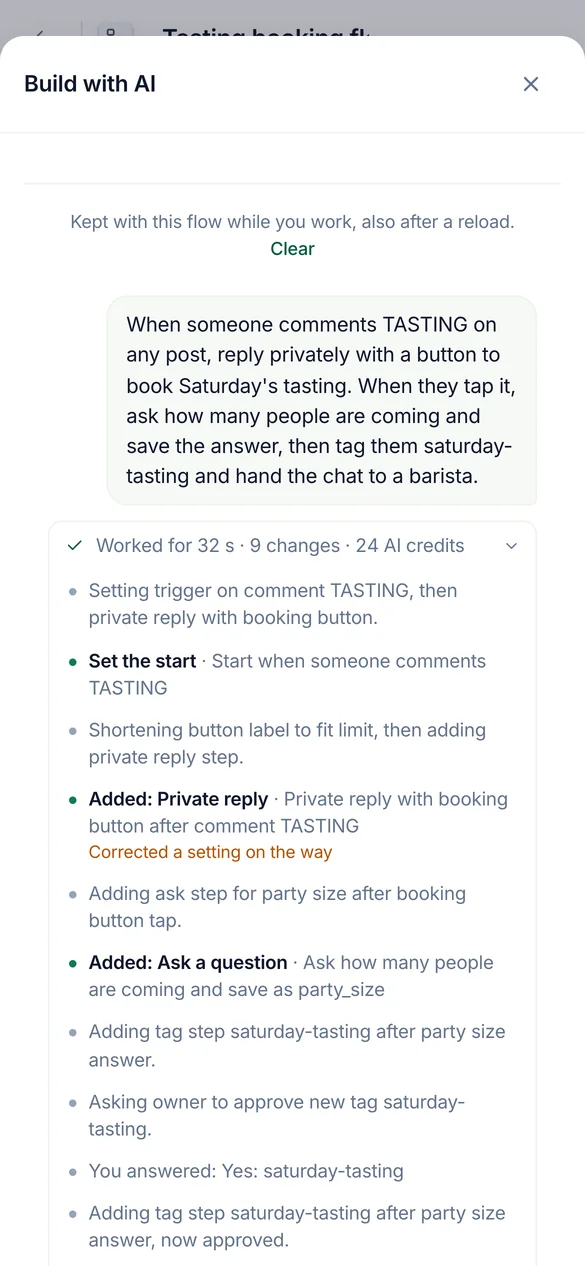
| Flows | Build a flow with questions, branches, lead capture and HTTP steps, test it on the simulator, fix it | "Ask people for their email, then tag them as leads." |
| AI agents | Create an agent, give it knowledge from a link, a file or text, try it, answer its drafts | "Make an agent from our pricing page and test it on three questions." |
| Moderation | Read and change the rules per page, try a comment against them, copy them to other pages | "Hide links and crypto spam on my ads, and copy that to the Instagram account." |
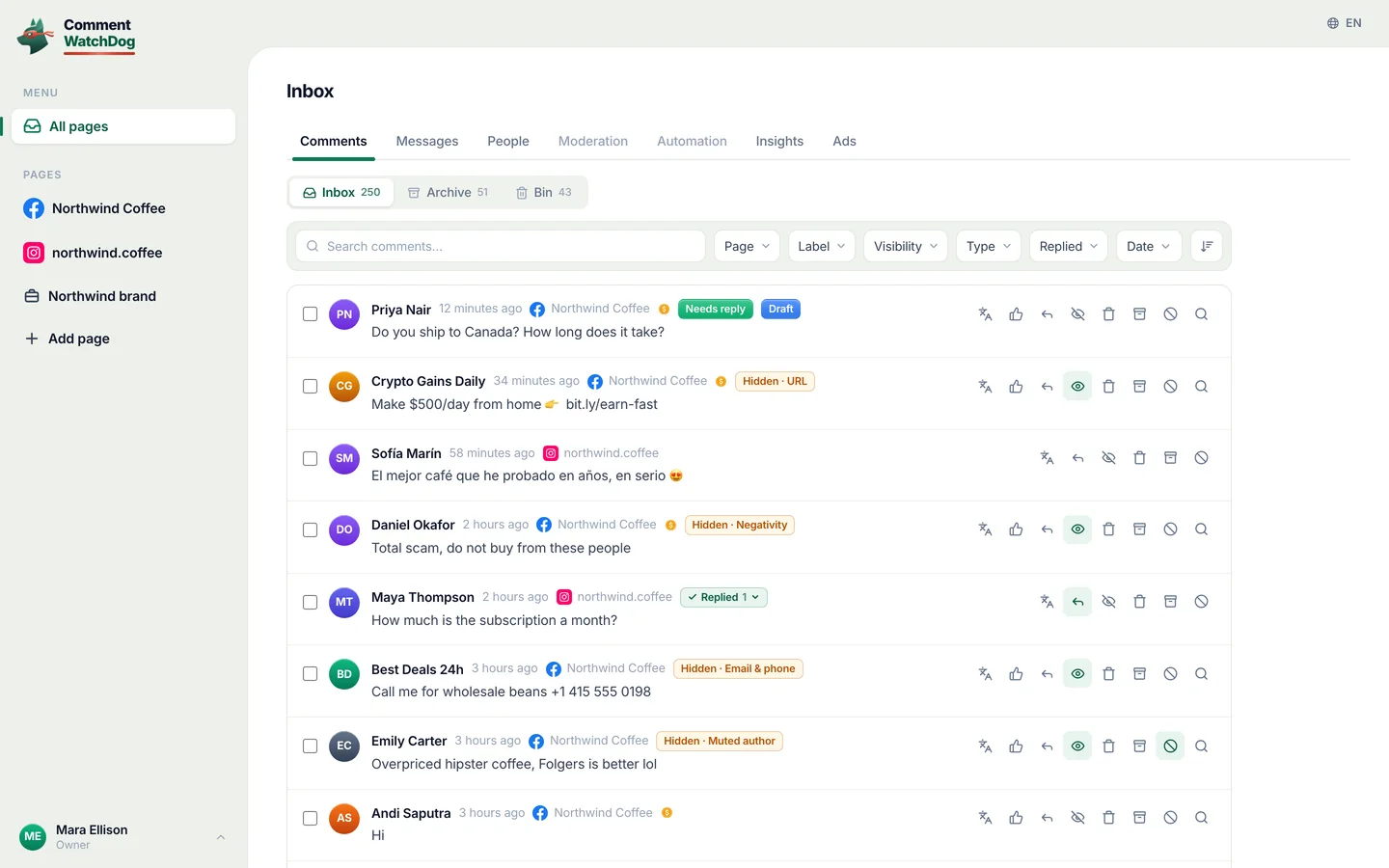
| Comments | Find by words, a regex, the author, the post or a period. Then hide, delete, reply, send a private reply, block or ban | "Find every comment with a WhatsApp number from this week and hide them." |
| Post cleanup | Open an old post or ad, check its comments against your rules, then delete, hide, block or ban what it found | "Check my best ad from last year and delete the spam under it." |
| Results | Read what moderation caught and what each automation did, and explain a run | "Why did Ana not get the DM yesterday?" |
| People | Find people, read their tags and fields, change or export them | "How many people gave their email this month?" |
It asks before it acts
Reading and building happen at once. Anything that goes live, reaches people or removes something waits for your yes, in your own words, in the chat.
| It does at once | It asks you first |
|---|---|
| Read pages, automations, flows, agents, rules, results and comments | Turn an automation or flow live, pause it, or change it while live |
| Build and change paused automations and flows, and test them | Delete, reply, send a private reply, block or ban |
| Hide, unhide, unblock and unban when no credits are used | Anything that uses comment credits, with the number shown first |
- Before a yes, it shows its work
- How many comments or people, a sample of who and what, and the credits it uses.
- Same reply to many people
- At most 200 comments a request and 1,000 a day, sent one every 3 seconds, so Meta never reads it as spam.
- Blocking
- At most 100 people a request. Ban has no limit: CommentWatchDog hides everything a banned person writes.
- Instagram lets no app block. Ban works there.
- Your role and your plan apply
- The AI can do what you can do. A feature your plan does not include stays closed.
- What stays in the app
- Billing, teammates and answering in the inbox.
No. Zed signs in with OAuth: it opens a CommentWatchDog page, you press Allow, and it keeps the sign-in. Nothing is pasted.
In CommentWatchDog, under Settings › MCP, choose Disconnect next to it. It stops working at once.
Ask your first question today
Free for 7 days, no credit card required.